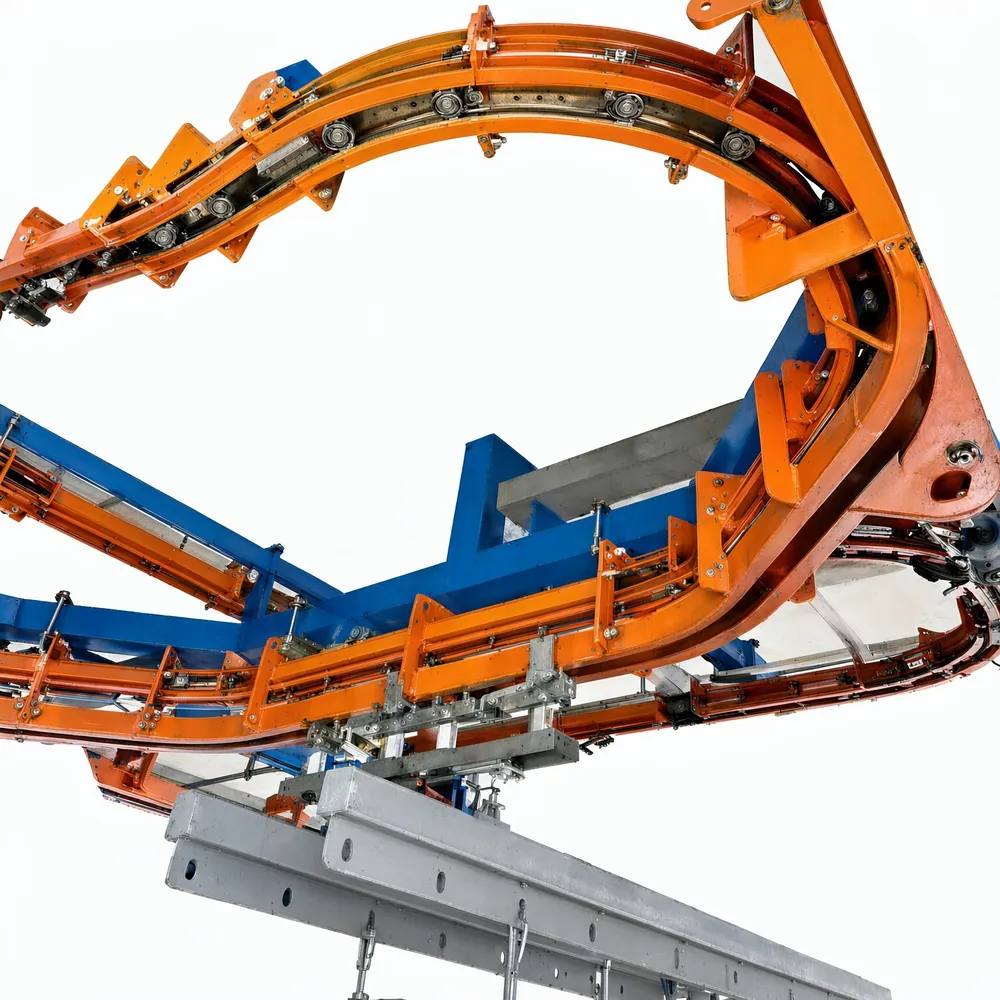
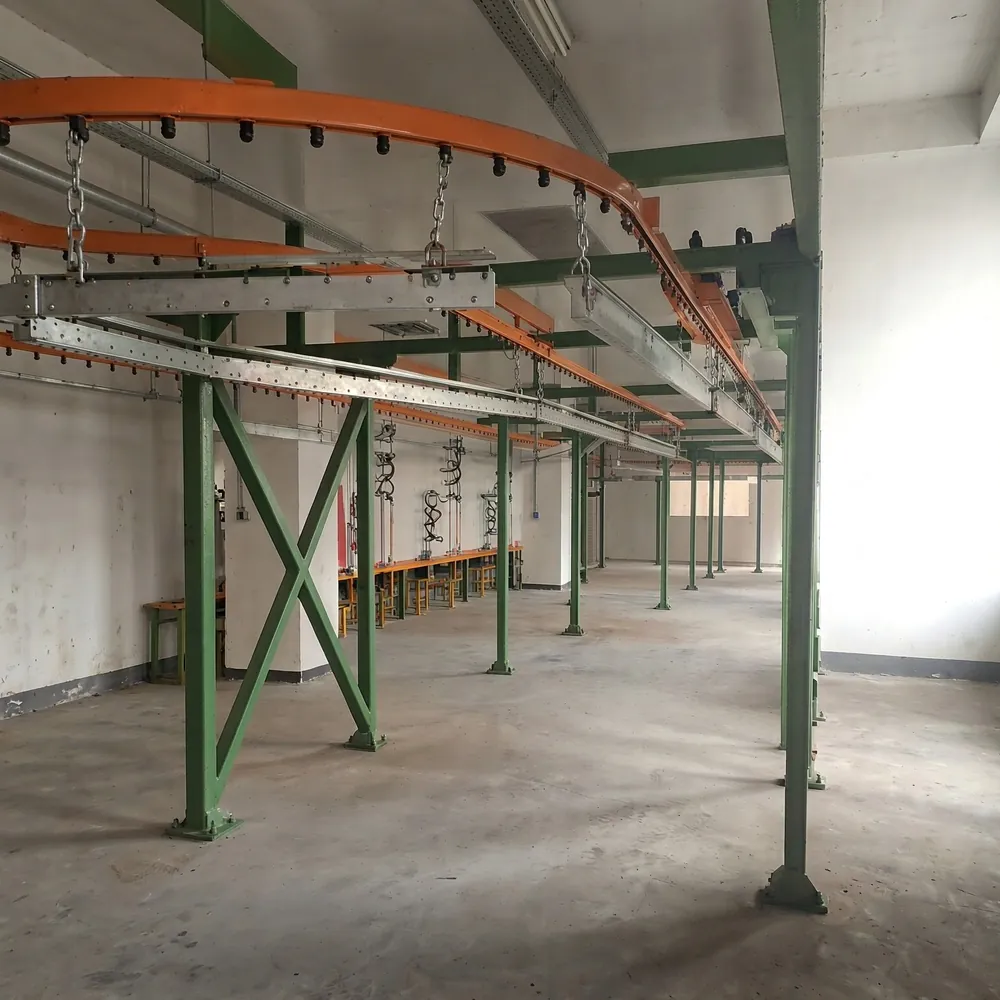
A switch in a power and free conveyor sends carriers from one route to another without stopping the chain. It is the component that makes parallel stations, storage lanes, colour routing and repair loops possible.
Because carriers ride on free trolleys that are independent of the chain, a switch only has to guide the trolleys. The power chain of each route keeps running on its own track. If the mechanism is new to you, start with how a power and free conveyor works.
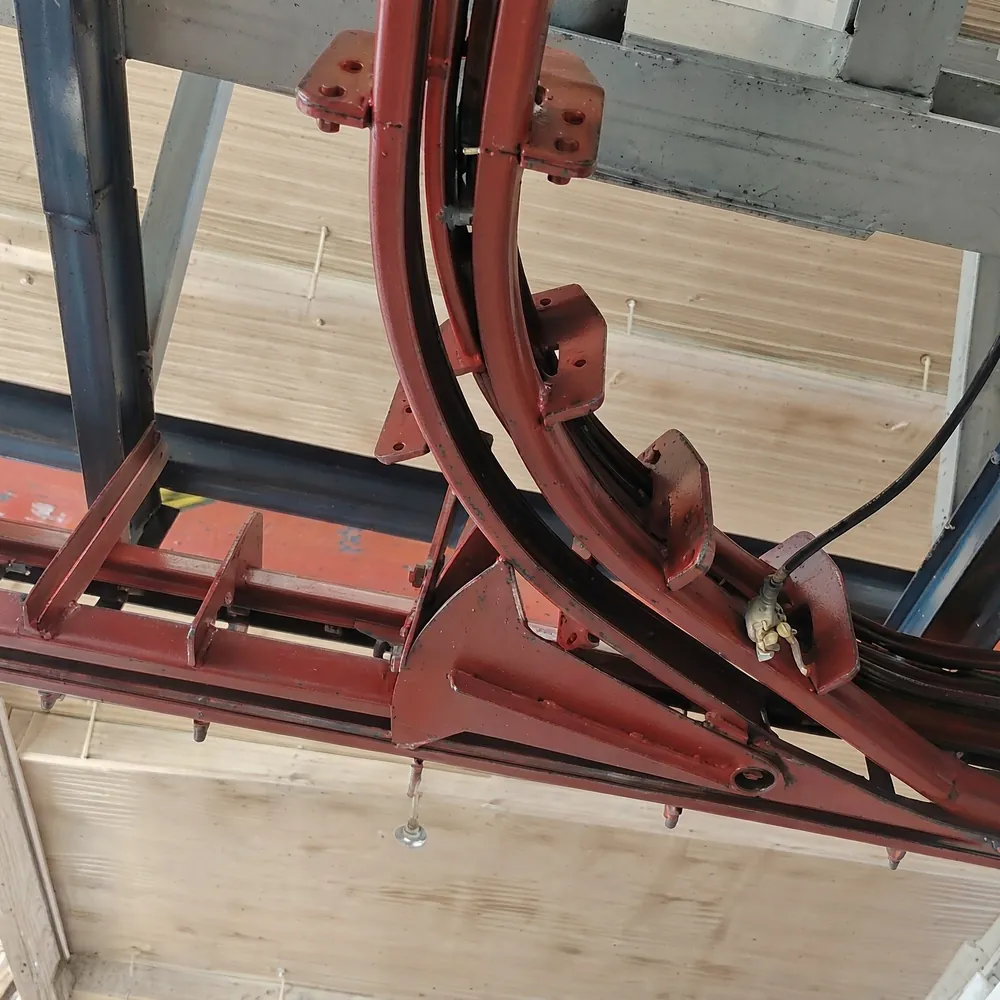
Diverting and merging switches
| Type | Function | Typical use |
|---|---|---|
| Diverting switch | One route in, two routes out | Send carriers to a station, lane or repair loop |
| Merging switch | Two routes in, one route out | Bring lanes or loops back to the main line |
| Transfer | Hand carriers from one chain loop to another | Link separately driven sections |
How a power and free conveyor switch works
A moving tongue in the free track decides which way the trolley wheels go. An actuator, usually a pneumatic cylinder, moves the tongue between its two end positions. Sensors confirm each end position before the control system allows the next carrier through.
On the new route, the carrier must be picked up by the pusher dogs of that route's chain. The geometry of the switch is designed so the trolley dog is presented correctly to the new chain.
Sensors and interlocks
- End-position sensors confirm the tongue is fully left or right
- A trolley detection sensor blocks switching while a carrier is passing
- A carrier identification point before the switch tells the PLC where the carrier must go
- At merges, a stop holds carriers on one branch until the main line is clear
Read more about identification in our carrier tracking guide.
Where to place switches in a layout
- Leave enough distance between the identification point and the switch for the PLC to decide and the tongue to move
- Avoid placing switches directly at vertical curves or drop sections
- Place stops before merges so waiting carriers do not block the main line
- Keep switches reachable for inspection and maintenance
- Group switches where possible so maintenance access platforms can serve several
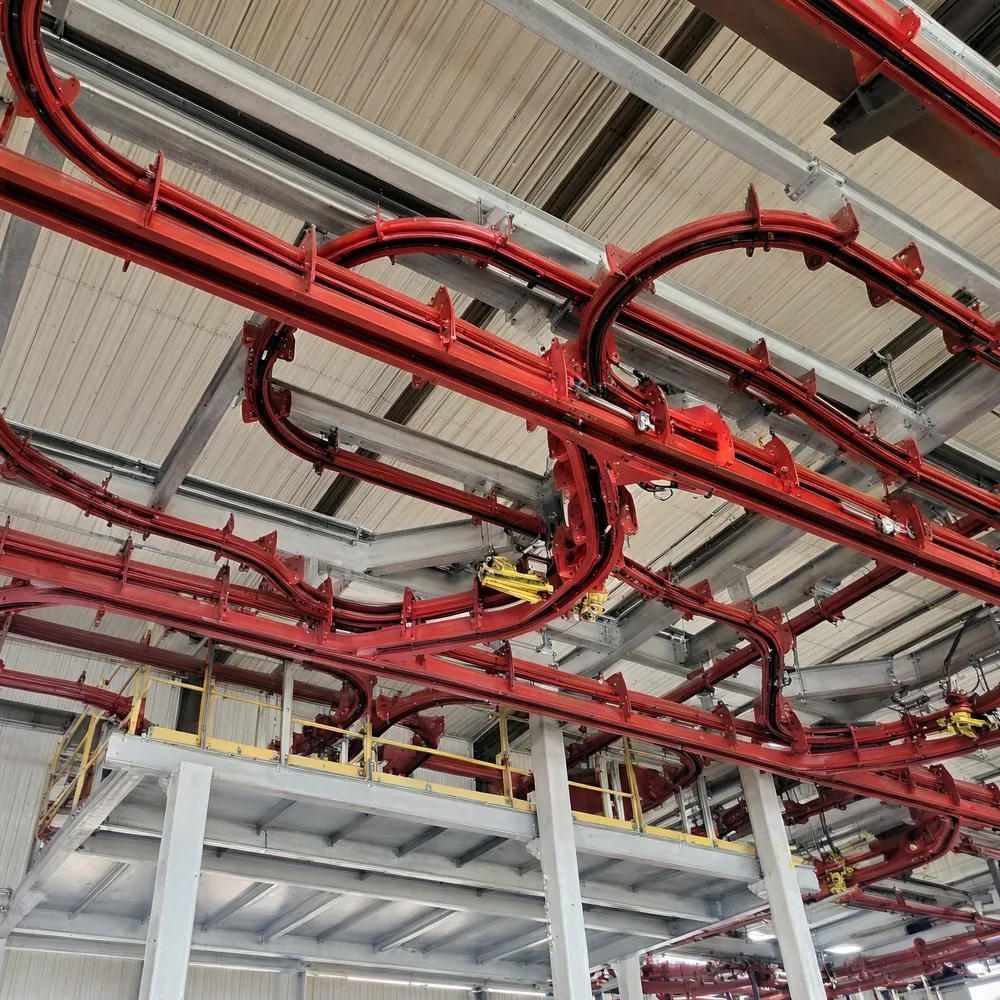
Common switch problems and causes
| Symptom | Likely causes |
|---|---|
| Carrier goes the wrong way | Wrong ID read, switch moved late, sensor fault |
| Carrier derails or jams at the switch | Worn tongue, misalignment, tongue not fully in position |
| Switch does not move | Air supply, cylinder or valve fault, blocked tongue |
| Carrier stops after switching | Not picked up by the new chain: dog wear or geometry issue |
Maintenance checklist
- Check tongue movement and both end positions
- Inspect the tongue and frog for wear and damage
- Check cylinder, valves and air supply for leaks
- Clean and test end-position and trolley sensors
- Check bolts and alignment of the switch frame
See also the power and free conveyor components guide and our power and free conveyor systems.
Worked example: routing by colour
A coating line paints parts in three colours. Before the booth area, a reader identifies each carrier and the PLC looks up its colour. Two diverting switches in a row send carriers to booth A, booth B or straight on to booth C. After the booths, merging switches with stops bring the three routes back together without collisions.
At a chain speed of 4 m/min, a carrier covers about 6.7 cm per second. If the switch needs 2 seconds to move and confirm its position, the reader must sit far enough ahead to leave that time plus a safety margin.
Questions to ask about power and free conveyor switches
- How is the switch actuated, and what happens if air pressure drops?
- Which sensors confirm the end positions and carrier presence?
- How much distance is planned between the reader and the switch?
- Which switch parts wear, and are they available as spares?